Fractaliz3r - Cinematic 3D Fractal Explorer #
Explore, render, and animate 3D fractals with cinematic quality
Download Windows ReleaseOverview #
Fractaliz3r is a high-performance, cinematic 3D fractal explorer and renderer built on GLSL shaders with progressive raymarching and full Monte Carlo path tracing. It supports 12 fractal types, audio-reactive rendering, VR 360 export, animation with keyframes, and exports up to 16K resolution.
Features #
Fractal Library (12 Types) #
| Fractal | Description |
|---|---|
| Mandelbulb | Power-based 3D Mandelbrot with configurable iterations/bailout |
| Mandelbox | Box/sphere fold hybrid with scale, radius, and folding controls |
| Menger Sponge | Classic IFS with scale and offset parameters |
| Kaleidoscopic IFS | Fold-angle based kaleidoscope with rotation |
| 3D Julia Set | Quaternion Julia with full 4D constant control |
| Polyhedral IFS | Octahedral, Dodecahedral, Icosahedral, and Tetrahedral symmetries |
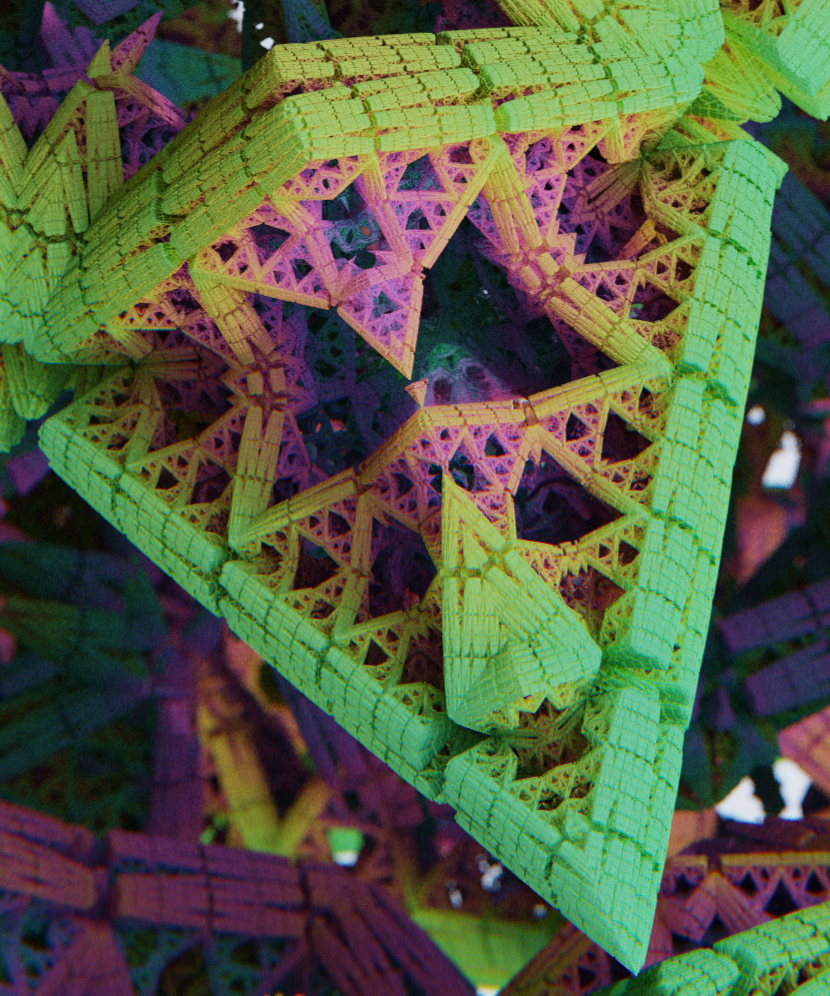
| Sierpinski Tetrahedron | Tetrahedral fold IFS |
| Pseudo-Kleinian | Box/sphere fold with space repetition (tubular caves) |
| Apollonian Gasket | Tetrahedral fold + sphere inversion |
| Bristorbrot | Component-wise 3D Mandelbrot with Julia mode |
| Cornell Box | Classic rendering test scene with per-object materials |
| Test Scene | SDF primitives for shader development |
Cinematic Rendering Pipeline #
- Monte Carlo Path Tracing with configurable bounces, NEE + MIS, and GGX microfacet BRDF
- Physical Materials: Lambertian, Metallic (Smith G2 geometry), and Glass (two-surface refraction through SDF)
- Volumetric Fog & God Rays: Shadow-aware Henyey-Greenstein scattering
- Depth of Field: 9 cinematic lens presets (Standard, Cinema, Anamorphic, Vintage, Petzval, Miniature, Dream, Night, Prism) with shaped bokeh, anamorphic blur, cat’s eye vignetting, tilt-shift, and chromatic aberration
- Optics & Lens Effects: Anamorphic flares, lens dirt, procedural starbursts
- Color Grading: Built-in LUT styles (Cinema, Vintage, Matrix, Neon, Noir)
- Subsurface Scattering: Physically-approximated SSS with configurable radius and color
- Ray-Marched Reflections: Real-time reflection bounces for metallic/glass surfaces
- 9 Coloring Modes: Standard, Iteration Bands, Distance, Angular, Blend, Contour, HSV Direct, Dual Palette, Neon
Environments #
- Procedural Environments: Clouds, Deep Space, Ocean, Studio - all with spatial parallax
- HDRI Environment Maps:
.hdr,.png,.jpgloading with rotation and lighting mix controls
Visual Gradient Editor #
GPU-based 1D texture (256x1, RGB32F) with a visual canvas editor:
- Draggable color stops with add/delete
- 10 built-in presets (Magma, Ice, Forest, Neon, Spectral, Sunset, Ocean, Aurora, Pastel, Monochrome)
- Color Strength and Palette Shift parameters
- Cyclic wrapping for orbit trap coloring
Audio-Reactive Fractals #
- Real-time spectrum analysis (8 bands, beat detection, onset detection)
- Fractal geometry morphing driven by bass/mid/treble energy
- Shader-level color shift, glow, FOV pulse, camera shake, space warp, palette jump
- Post-process pump (exposure, saturation, chromatic aberration, vignette on beats)
- Offline export: Pre-analyze audio via FFmpeg, then render frame-by-frame with full path tracing for synchronized music videos
Animation System #
- Timeline with keyframe tracks and easing curves
@Animatableannotation auto-discovers fractal parameters for animation- Per-fractal scoped tracks (e.g.,
mandelbulb.power,mandelbox.scale) - Motion blur export with configurable shutter angle (0-360 degrees)
VR & 360 Exploration #
- Equirectangular Projection: Full 360 spherical panoramas
- Automated Metadata: XMP Photo Sphere tags for images, ExifTool for video
- VR Presets: 2K (2048x1024) and 4K (4096x2048)
Export Pipeline #
- Tiled Rendering: Automatic tile-based rendering for exports up to 16K (15360x8640)
- Image Export: PNG and JPEG (95% quality) with optional 360 metadata
- Video Export: H.265 HEVC via FFmpeg with
+faststartfor web - 3D Mesh Export: Marching Cubes extraction to glTF 2.0 and Wavefront OBJ formats
UI & Interaction #
- Dice Randomizer: One-click randomization with undo/redo history and per-slider lock
- Morph Crossfade: Smooth interpolation between two parameter snapshots
- Infinite Zoom: Adaptive speed with double-precision coordinate rebasing
- Cross-Section Clipping Plane: X/Y/Z axis slicing through any fractal
- 3D Orientation Compass: Real-time quaternion-based axis display
- Click-to-Focus: Middle-click or Ctrl+click to pick focal distance from the viewport
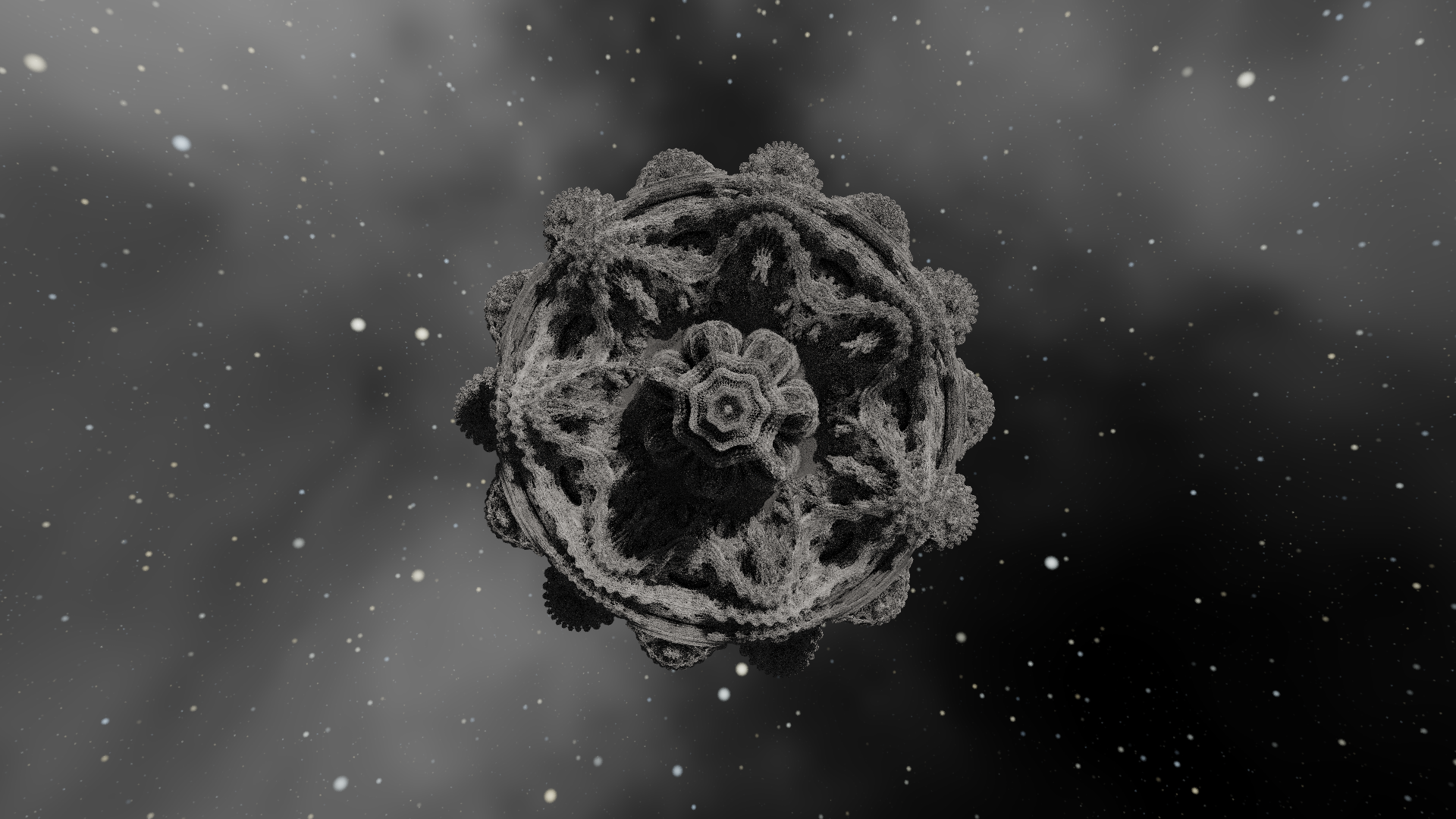
Gallery #
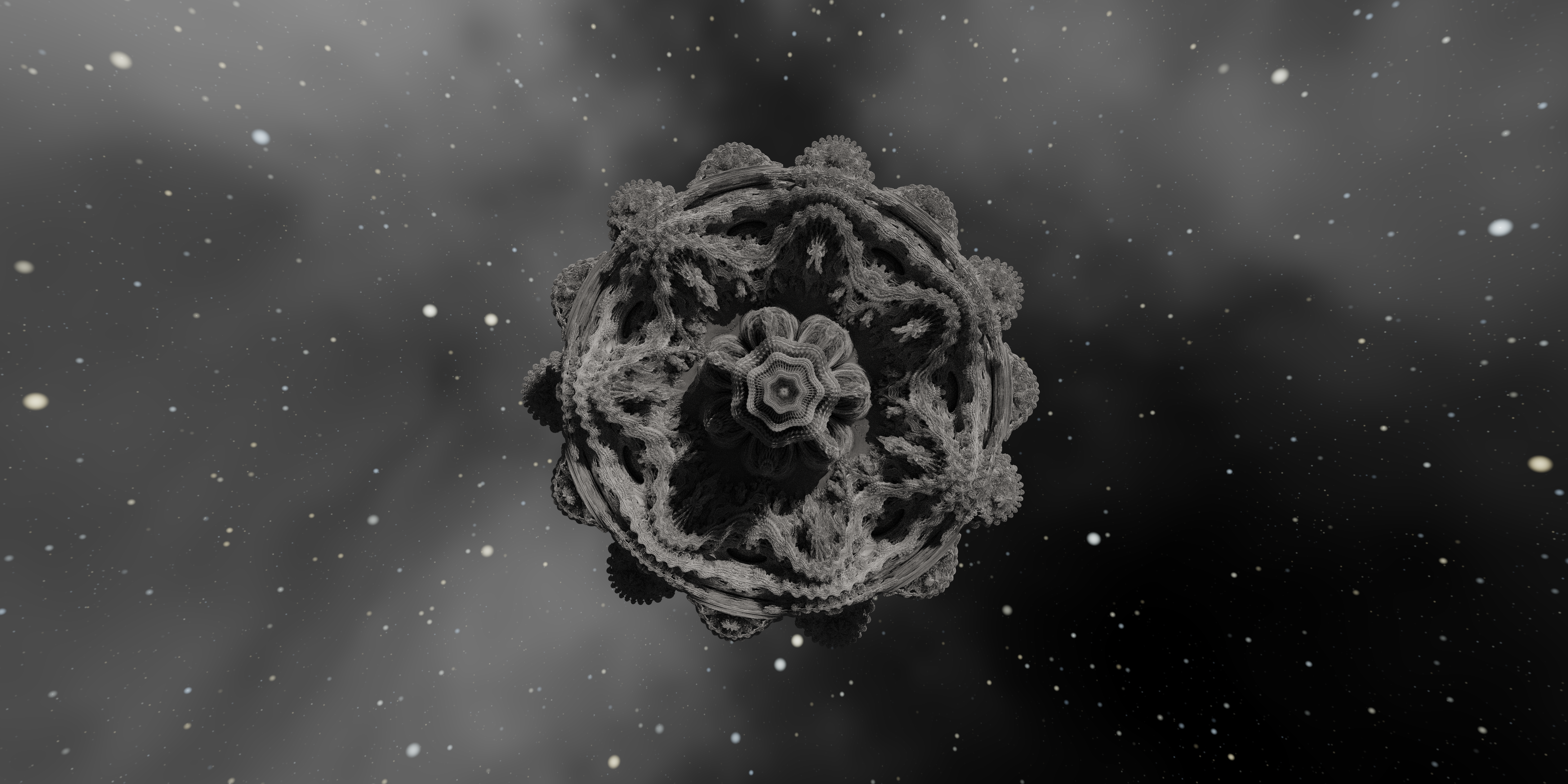
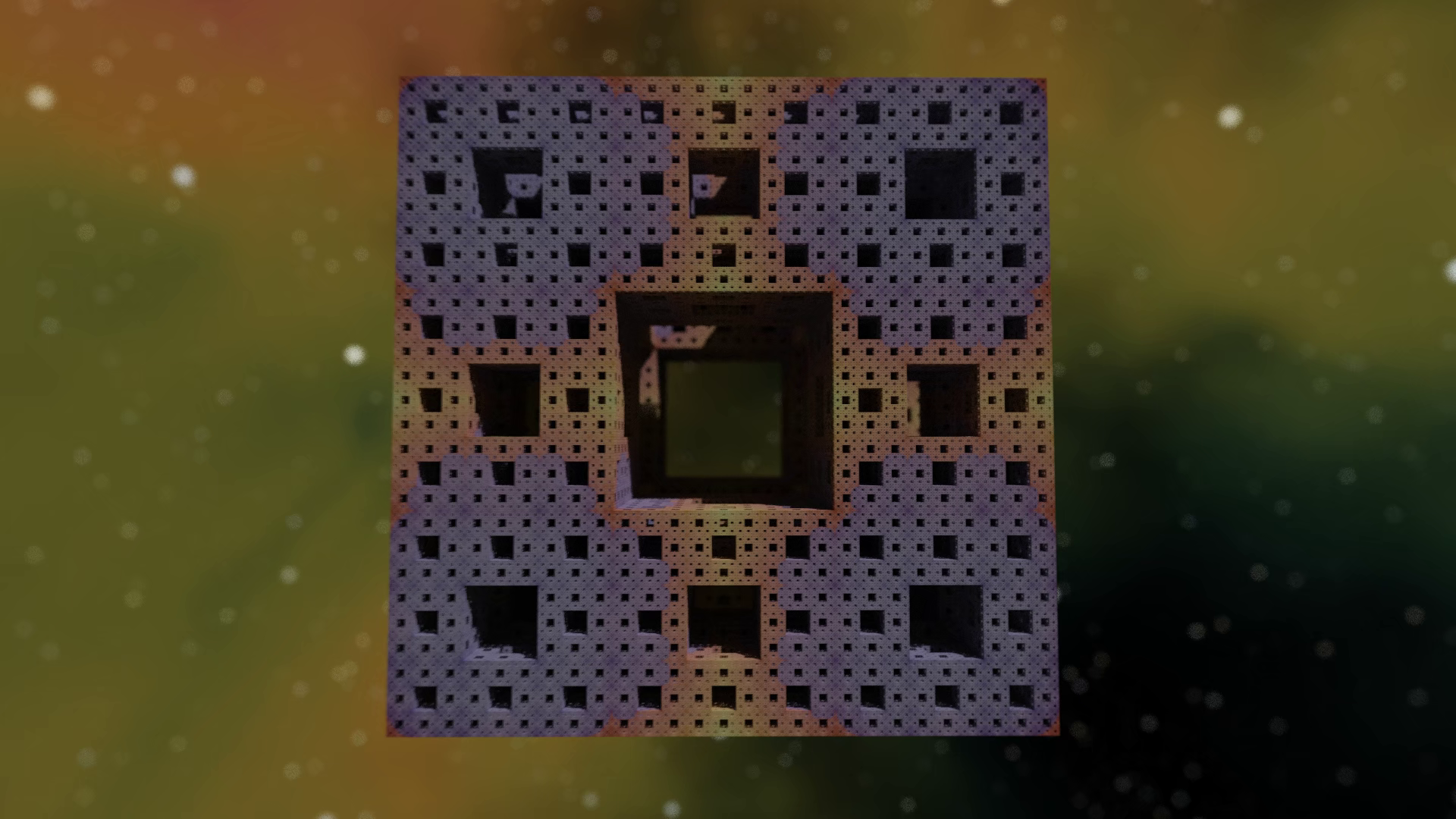
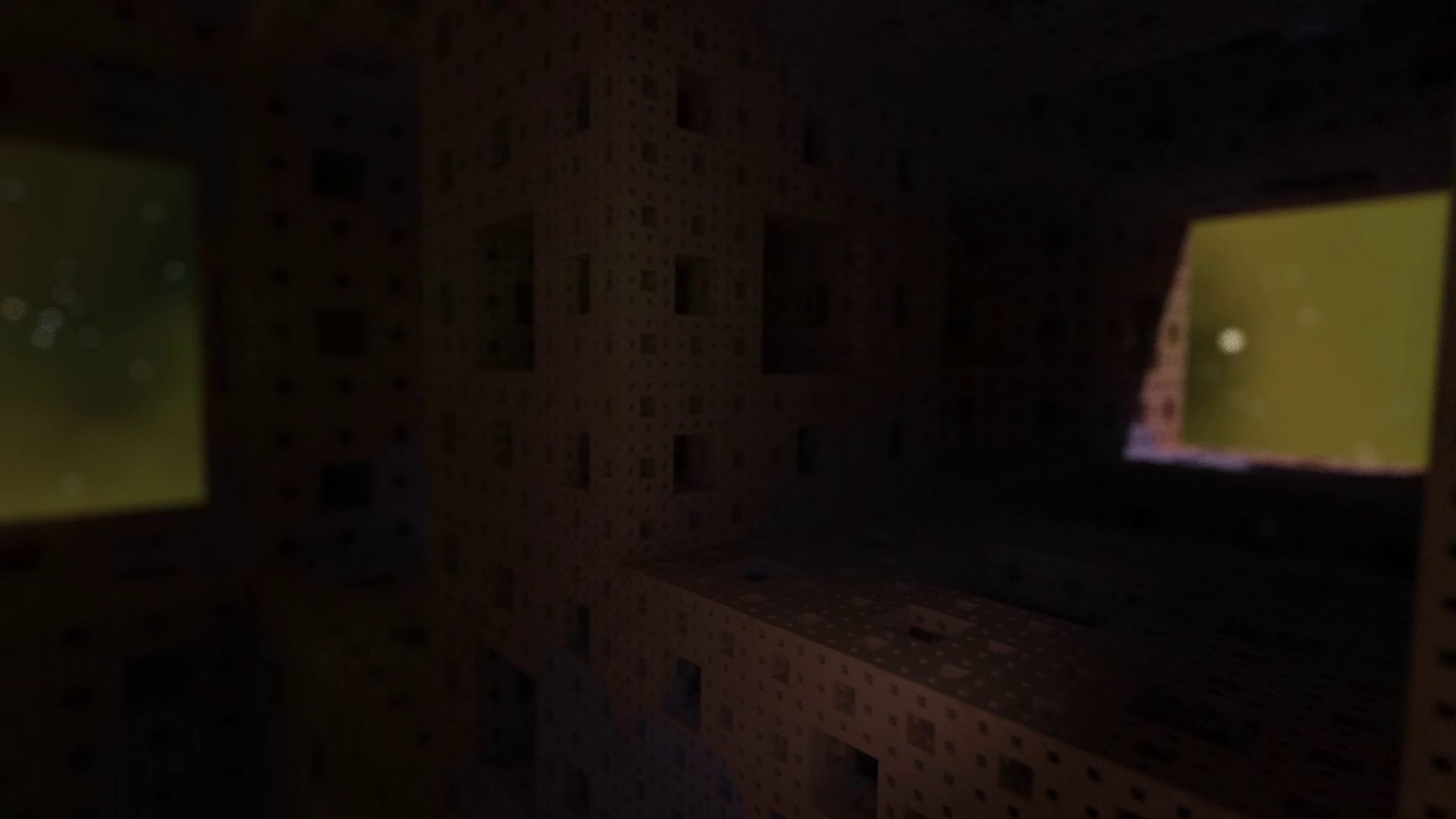
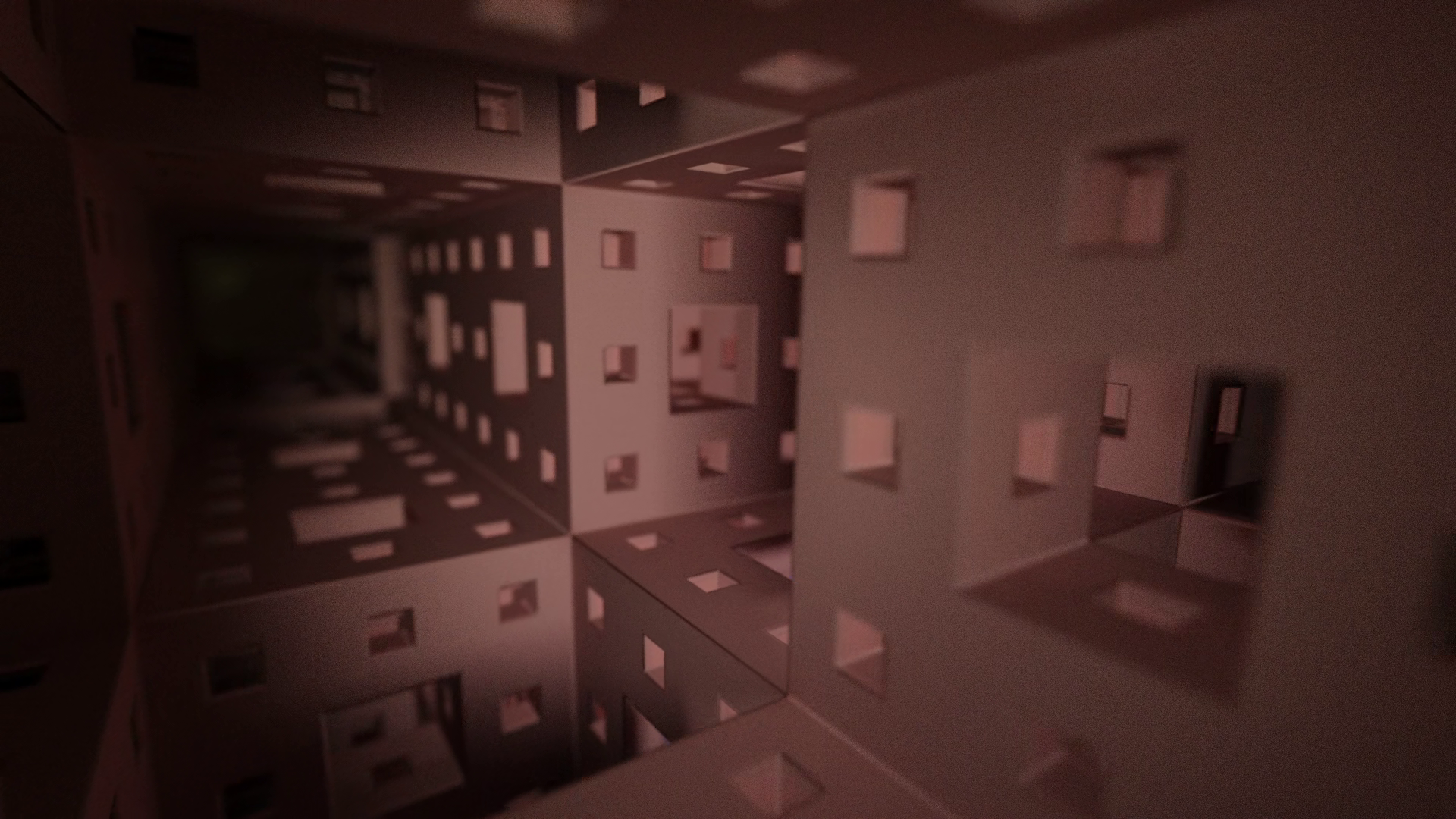
Getting Started #
Prerequisites #
- Java 21 or higher
- Maven for building
- FFmpeg (optional): In system PATH for MP4 video export and audio pre-analysis
- ExifTool (optional): In system PATH for 360 video metadata injection
Run #
git clone https://github.com/warnotte/Fractaliz3r.git
cd Fractaliz3r
mvn compile
mvn javafx:run
Build Release #
mvn clean javafx:jlink package -DskipTestsCreates a self-contained runtime in target/image/ with bin/fractaliz3r.bat. No JDK needed on target machine.
Controls #
| Input | Action |
|---|---|
| Arrow Keys | Move Forward / Backward / Strafe |
| Mouse Drag | Look Around |
| Q / E | Roll Camera |
| Page Up / Down | Move Up / Down |
| Space | Render Full Quality |
| R | Reset Camera |
| Scroll Wheel | Adjust Movement Speed |
| Middle Click / Ctrl+Click | Pick Focal Distance (DoF) |
| F11 | Toggle Fullscreen |
| F1 | Keyboard Shortcuts |
| Alt + Scroll | Adjust slider (normal) |
| Shift + Scroll | Adjust slider (fine) |
| Ctrl + Scroll | Adjust slider (fast) |
Technical Stack #
| Component | Technology |
|---|---|
| Core | Java 21 (JPMS Modules) |
| Graphics | OpenGL 4.3+ via LWJGL 3 |
| UI | JavaFX 21 with custom dark theme |
| Serialization | Gson for .frac configuration files |
| Video | FFmpeg (H.265 HEVC) & ExifTool |
| 3D Export | Marching Cubes to glTF 2.0 / Wavefront OBJ |
License #
This project is provided for non-commercial use only. You are free to use, study, and modify the code, but commercial exploitation, redistribution for profit, or inclusion in commercial products is strictly prohibited.
Created by Warnotte Renaud